On your TV
Display
- Rotating slide programs with scheduled picks
- Bottom news ticker and full-screen overlay alerts
- Themes, celebrations, and overlays
Runs on your network
Run slide shows, a news ticker, and full-screen alerts on a Pi, old laptop, tablet, or commercial panel. Pair from your phone, edit programs in the browser, and keep data on your network.
Prefer to run your own stack? Self-host the controller (Docker or local npm).
Need setup help? Read the documentation
Recommended for always-on TVs. Raspberry Pi, thin clients, old laptops, and other arm64 hosts. One-line install or tarball from Releases.
One-line install (Linux)
curl -fsSL https://raw.githubusercontent.com/dukk/waddle-view/main/deploy/install-latest-release.sh | bashFeatures
The display runs on your TV, the controller runs in your browser, and integrations pull in the feeds you pick.
Showcase
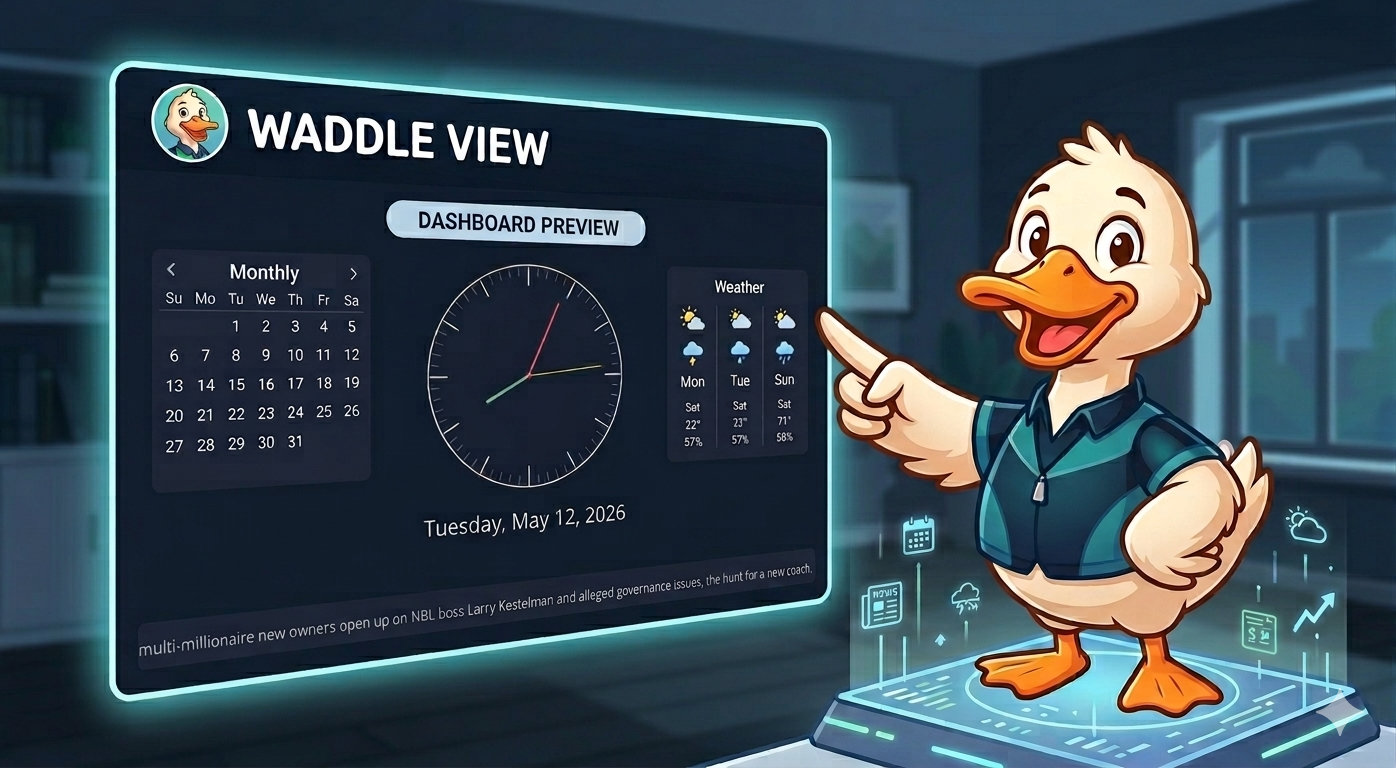
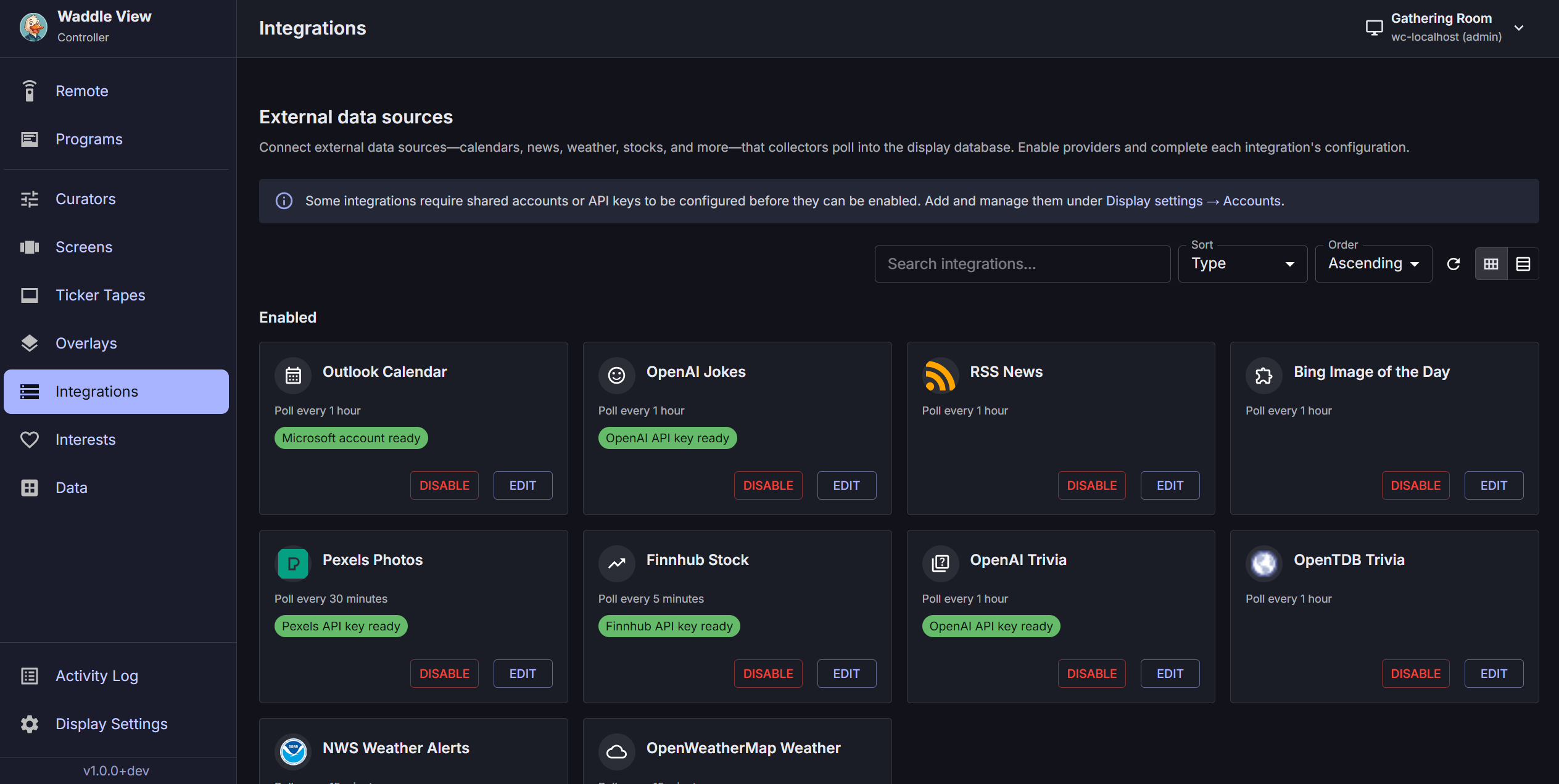
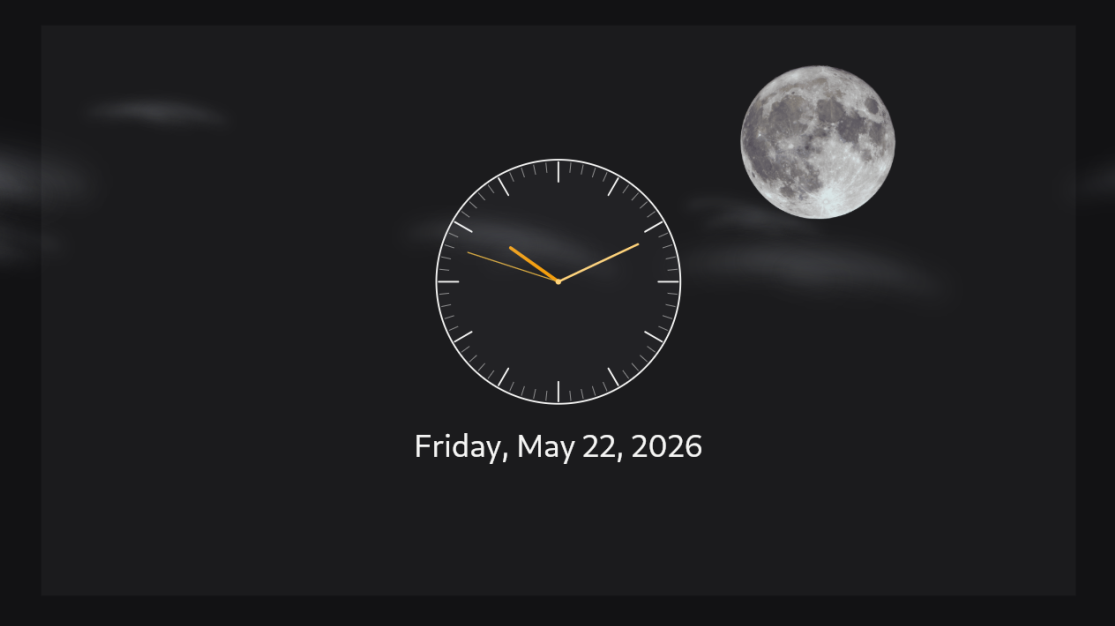
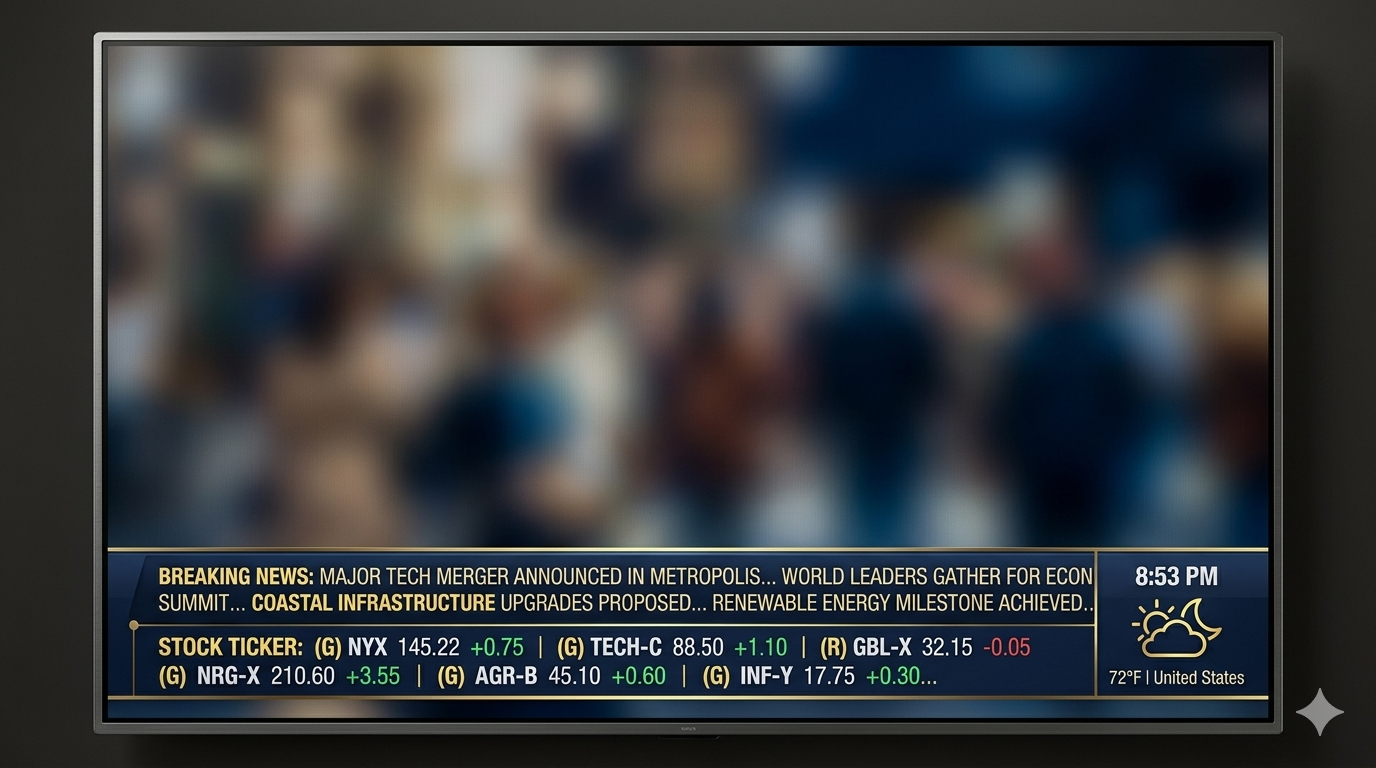
Slide programs, a scrolling news ticker, and full-screen alerts on the TV in your home or office.
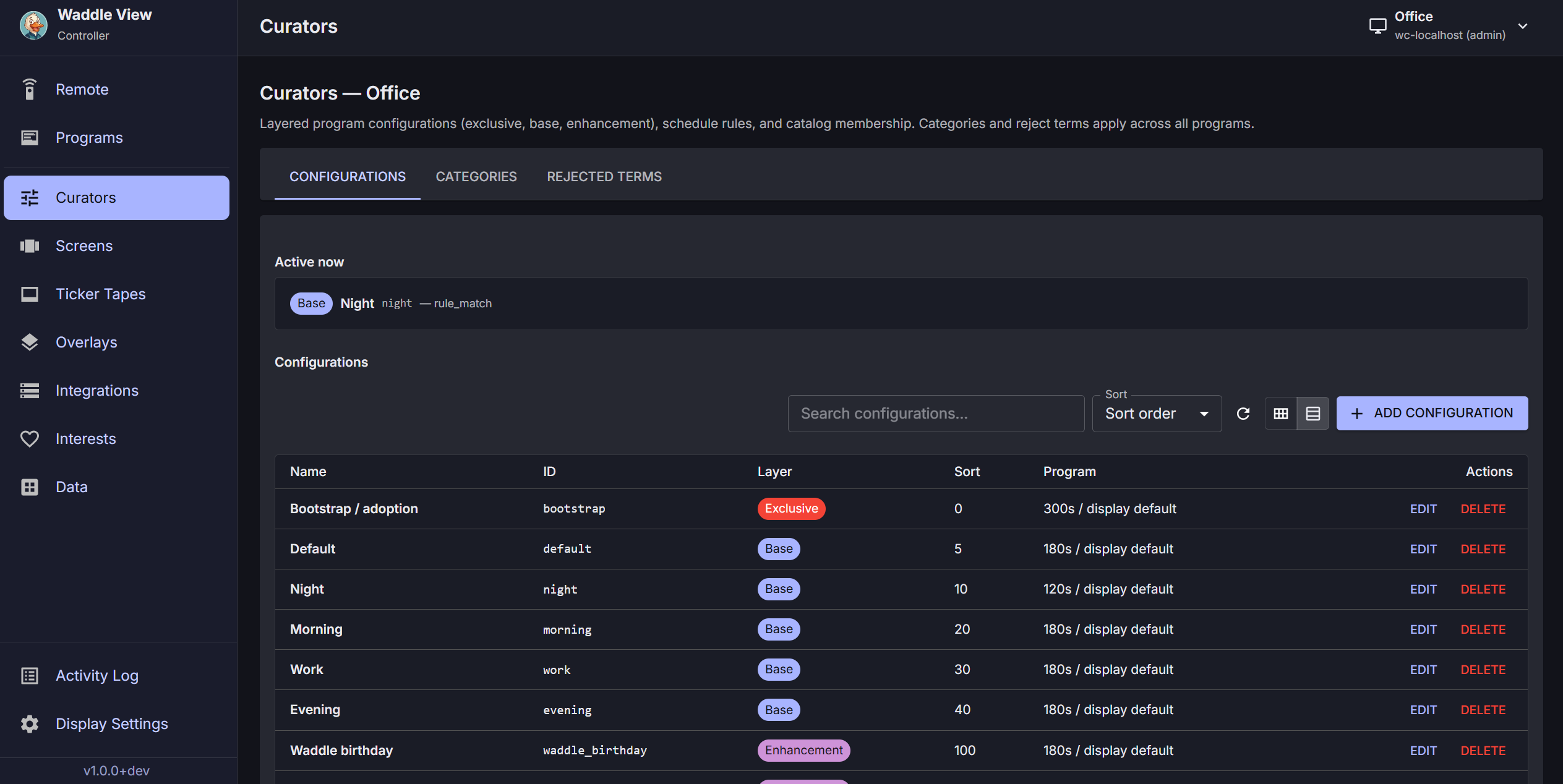
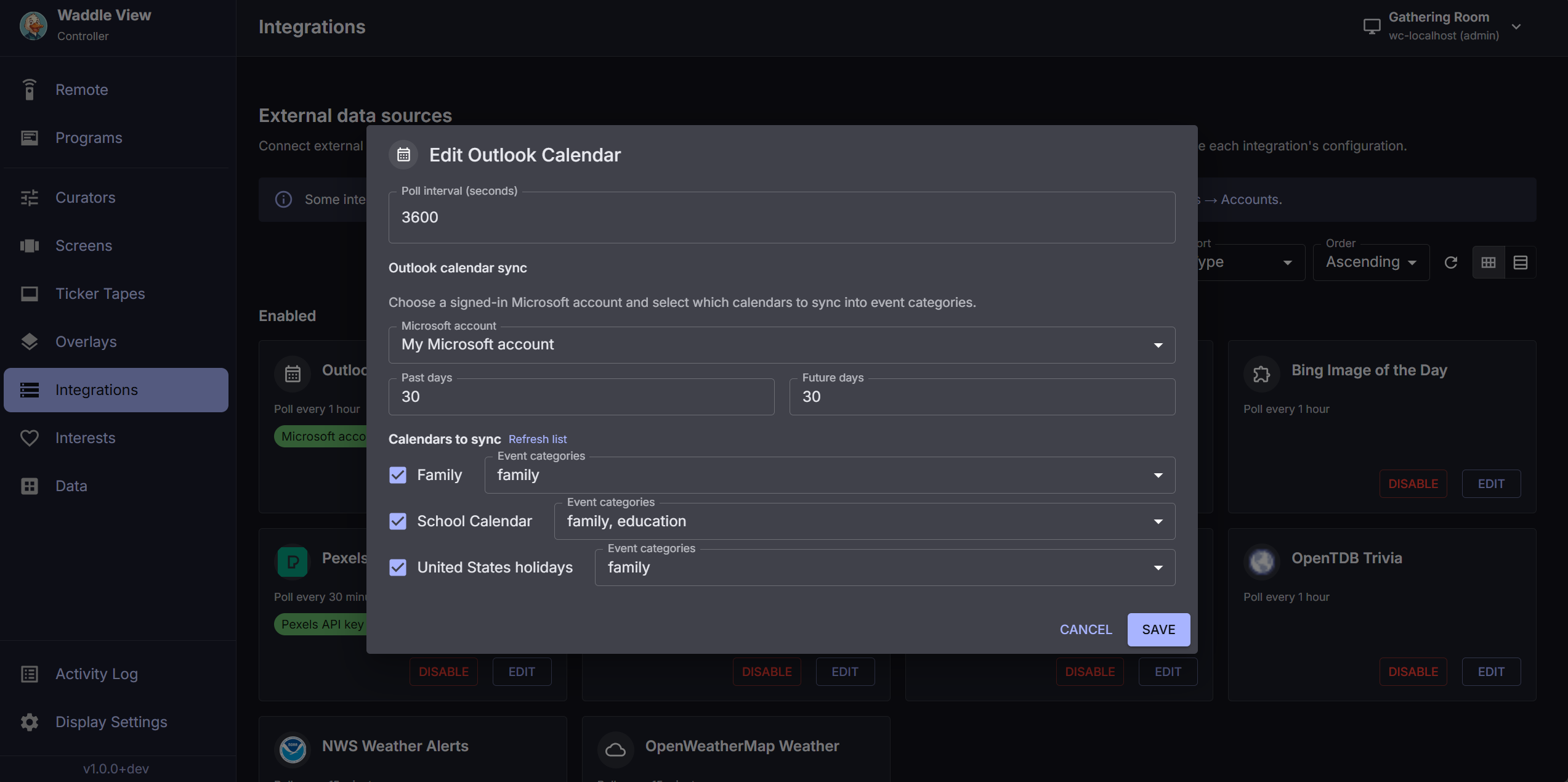
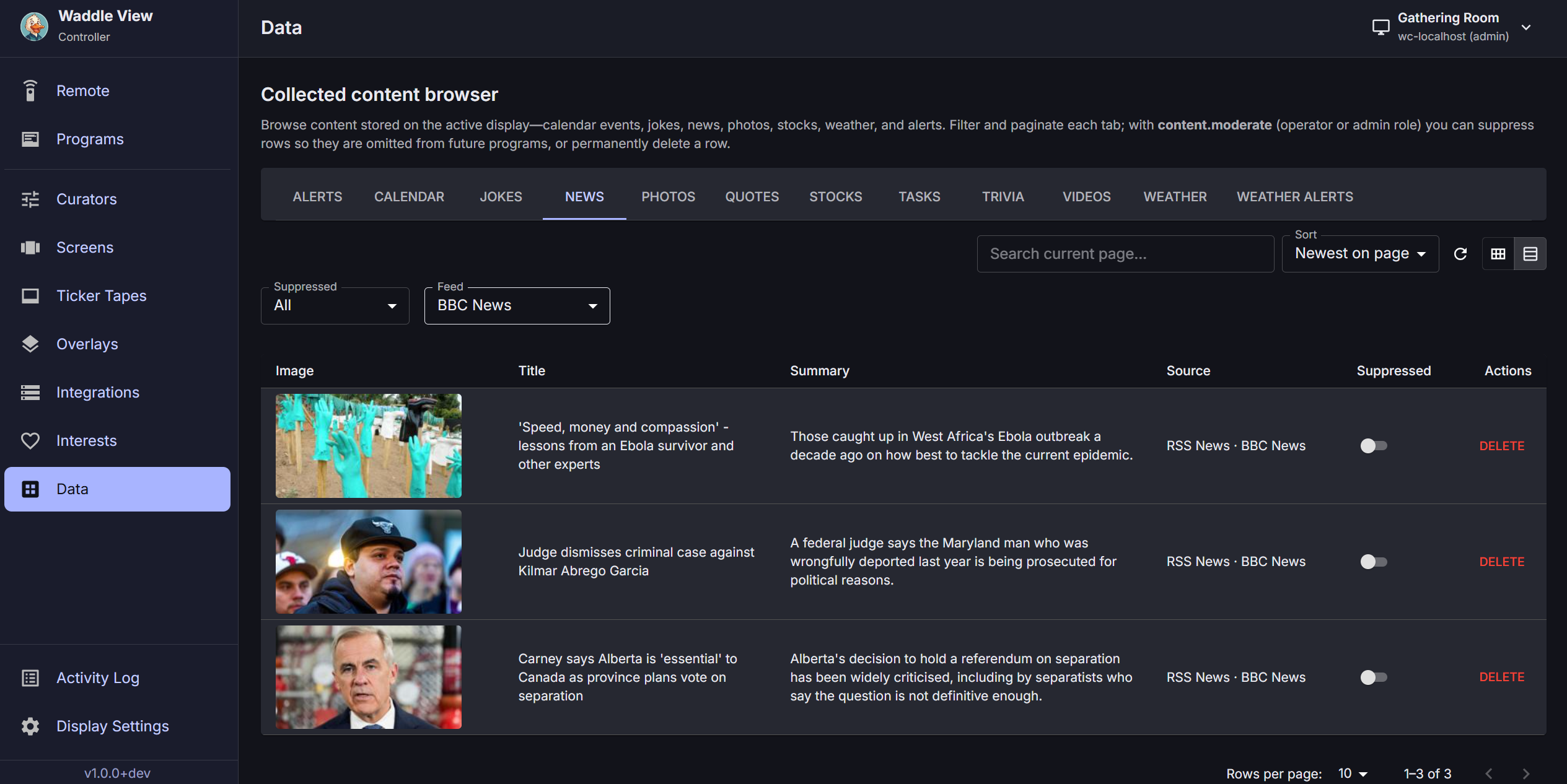
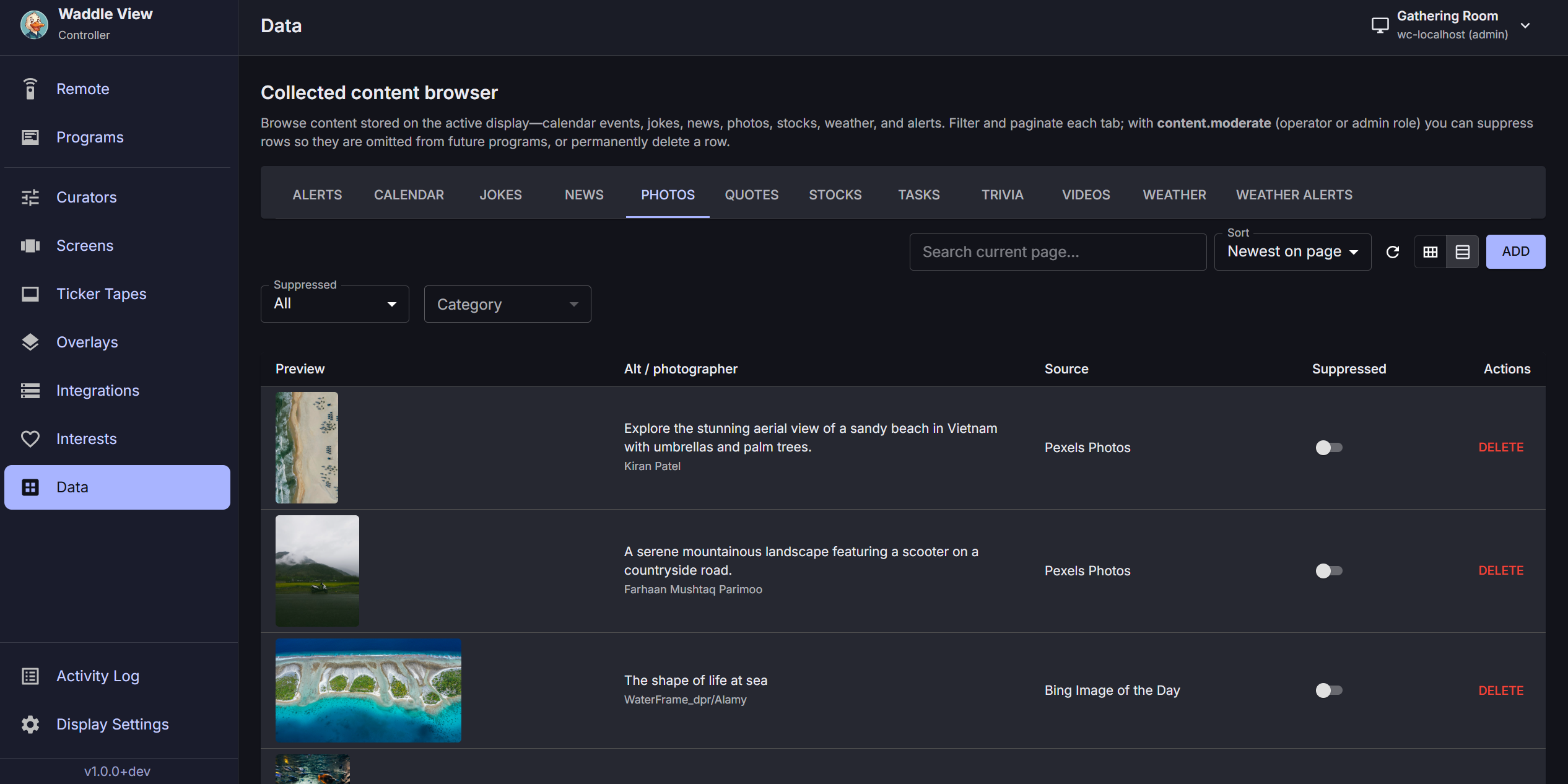
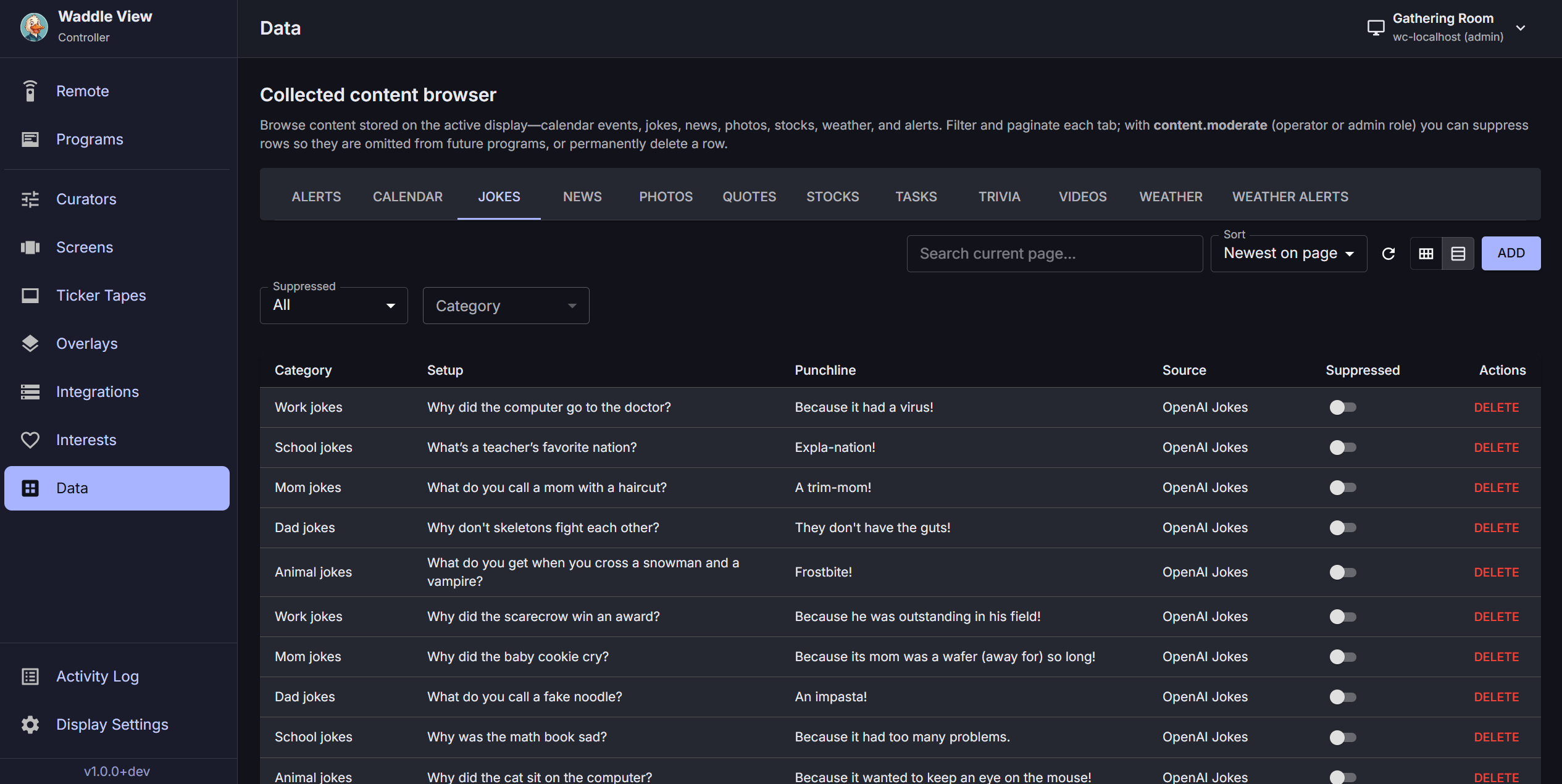
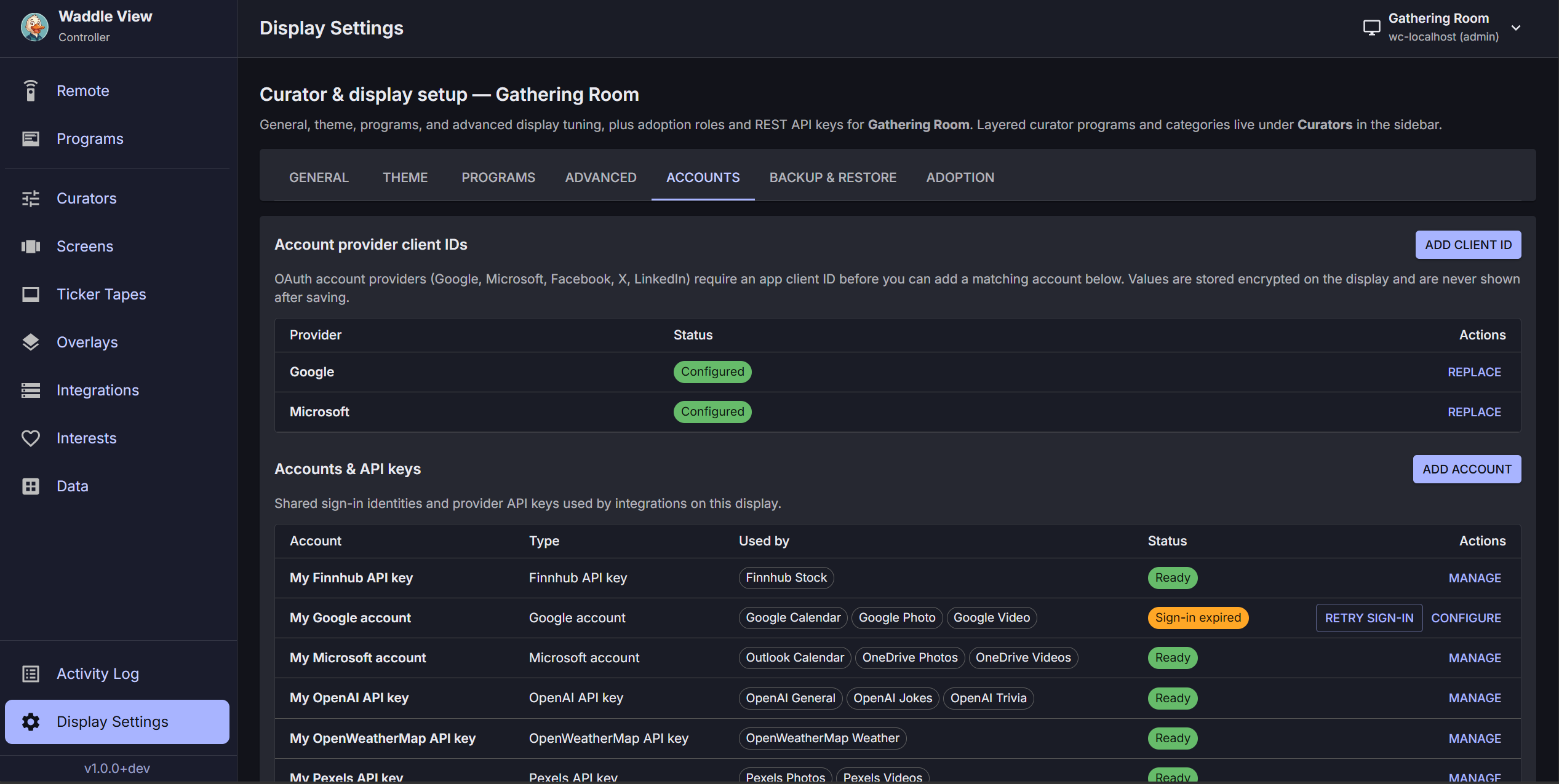
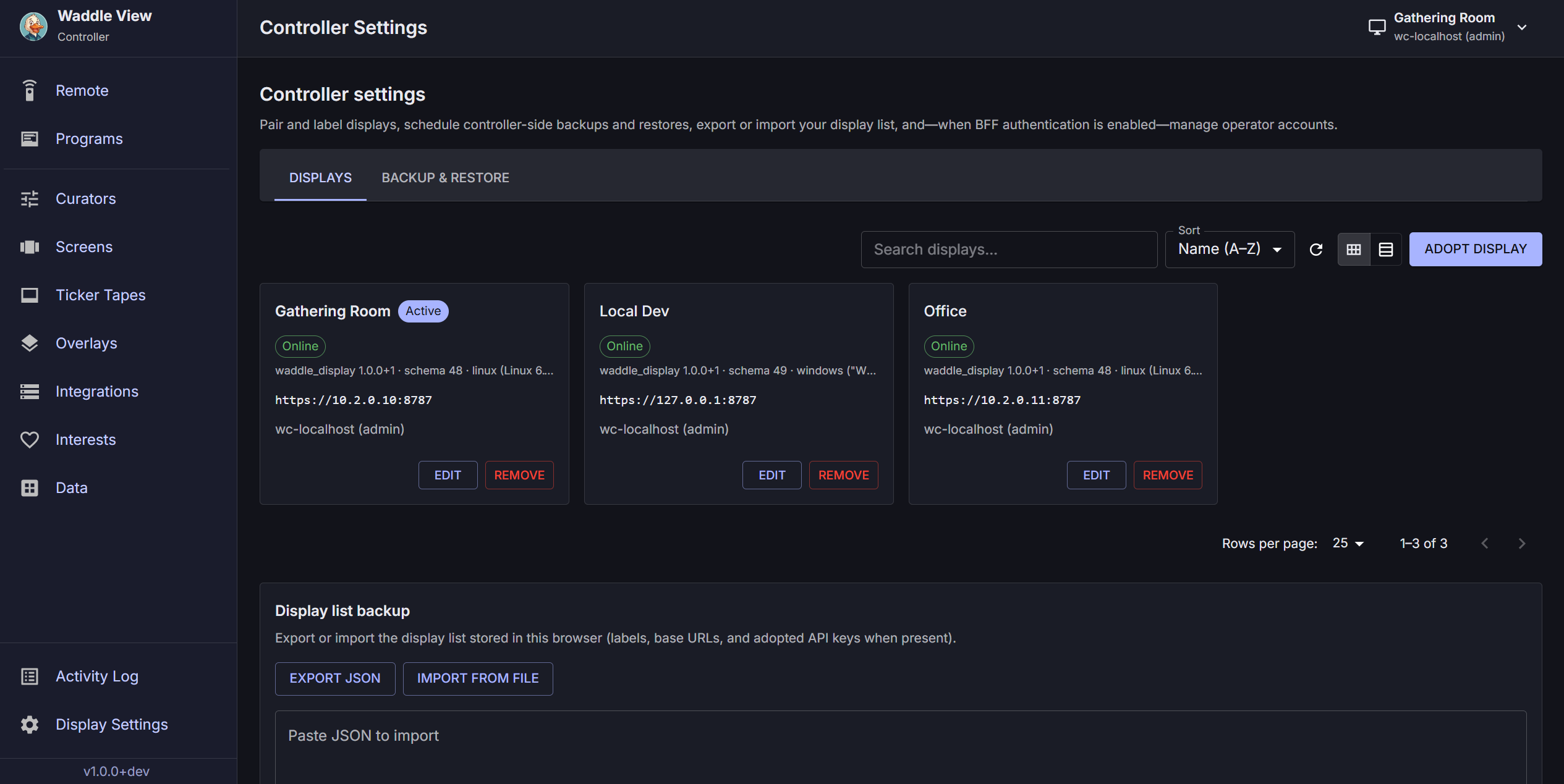
Edit programs, manage integrations, and preview what lands on each display in the browser.
How it works
Run the one-line Linux installer on arm64, grab a release for your platform, or deploy to thin clients, old PCs, tablets, Raspberry Pi, and commercial panels. The TV app runs locally with SQLite and a REST API.
 02
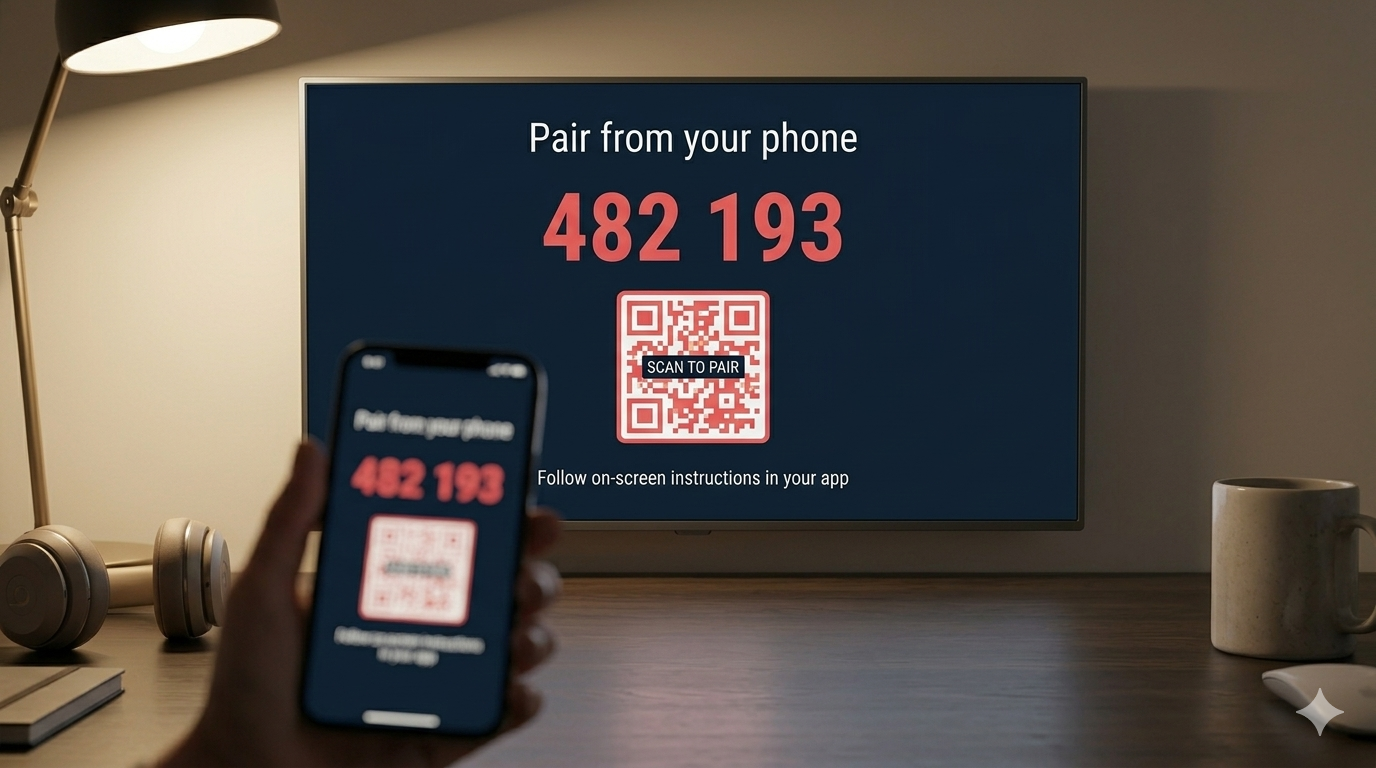
02 Open the operator UI in your browser. Scan the code on the TV. Manage one screen or many from the same session.
Add RSS, weather, calendars, photos, Home Assistant, and more. Many feeds work without API keys; sign in when you want deeper access.
Build programs with curators, screens, ticker tapes, and overlays. Set schedules, preview remotely, and let the display run 24/7.
Integrations
Many feeds need no API key. Add your accounts when you want calendars, photos, stocks, or social sources.
Coming soon
We're building a managed controller and optional integrations service. Join the waitlist for early access.
Cloud-managed operator UI for multiple displays. No Docker or reverse proxy on your side. Pair, edit programs, and preview remotely.
Optional managed collectors and stored credentials so feeds stay connected without per-device API setup. Works with self-hosted displays.
Early access
We will email you when hosted controller and integrations are ready.
Prefer to self-host? Self-host the controller (Docker or local npm).
Hosted services are not available yet. The display always runs on your hardware; open source under the Open Non-Commercial License (ONC) v1.0 . For commercial use, contact commercial@waddleview.com .
Architecture
Integrations gather content on your network. The controller builds programs. The display renders slides, ticker, and overlays locally. No cloud required for the TV app.

Collect RSS, weather, calendars, photos, and more on the device. OAuth and API keys stay encrypted locally.
Operator UI in your browser. Pair displays, edit programs, preview remotely, and manage many TVs from one session.
Always-on TV app with SQLite, REST API, rotating slides, ticker, and full-screen overlays. Runs on your hardware.